
Do you need to send updates of data and performance to members of team or management? Look no further, there's a super easy readable report for you to print as a PDF file at the click of a button.
At the top of the screen in Reports you'll see a button that says "Download Manager's Report". Clicking this will open a new tab with that Reports screen already set to Print to PDF.
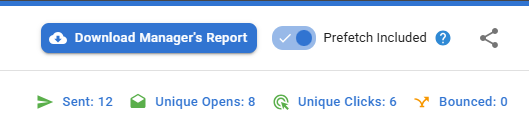
This report contains everything that is in the reports screen for that campaign which you can then pass on to your colleagues that don't have access to NewZapp.
Download a report from your recent comms and if you have any questions, please reach out to the Customer Success team by emailing support@newzapp.com.